
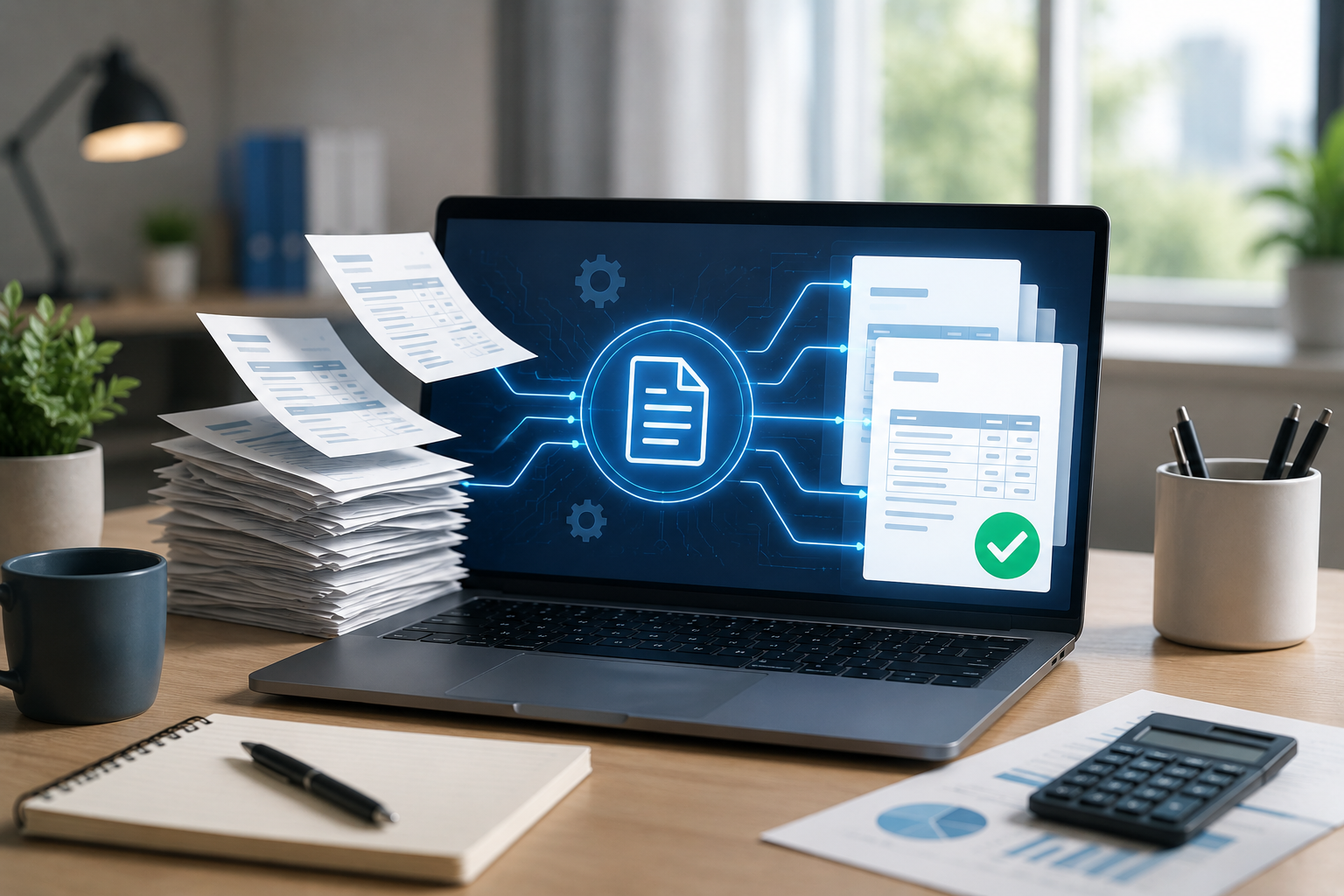
The Complete Guide to Automated Invoice Generation for Small Businesses
Small businesses run on speed, accuracy, and cash flow. When invoices are delayed, payments slow down. When invoice details are wrong, customers ask questions. When records are scattered across spreadsheets, email threads, and handwritten notes, the billing process becomes harder than it needs to be. That is why Automated Invoice Generation is becoming a must-have for small businesses in 2026. It helps owners and finance teams create invoices faster, reduce repetitive work, track payments, and keep billing records organized. Instead of spending valuable hours preparing bills manually, businesses can use technology to create cleaner invoices in less time.
The smartest part is that automation is no longer reserved for large companies. A good Small Business Billing Software setup can help shops, service providers, agencies, clinics, schools, consultants, wholesalers, and growing teams manage billing with more confidence. The business process thinking reflected by Flowgen Vision Technologies fits this shift toward practical digital tools that simplify daily finance tasks without making operations feel complicated. If your billing process still depends on copy-pasting old invoices, chasing approvals, or manually tracking unpaid bills, this guide will help you understand how an AI Invoice Maker can change the way your business handles invoices.
What Automated Invoice Generation Means
Automated Invoice Generation is the process of creating invoices using software that pulls information from saved records and applies billing rules automatically. Instead of typing every customer name, item, price, tax field, due date, and payment term manually, the system generates invoices based on approved data. This makes invoicing faster, more consistent, and easier to manage.
A typical automated system can handle:
- Customer information
- Products or services
- Prices and quantities
- Discounts
- Tax fields
- Invoice numbering
- Due dates
- Payment status
- Recurring invoices
- Reports
The goal is simple: reduce manual effort while improving accuracy.
Why Small Businesses Need Better Billing Systems
Many small businesses start with basic invoicing methods because they seem easy at first. A spreadsheet, document template, or handwritten invoice book can work when only a few customers are involved. The problem begins when sales grow.
More customers mean more invoices. More invoices mean more chances for mistakes. More mistakes mean more corrections, delays, and confusion. A reliable Small Business Billing Software system helps create structure before the billing process becomes overwhelming. It gives business owners better control over who has been billed, who has paid, and which invoices are still pending.
In a business environment where digital records and electronic invoice requirements are becoming more important, clean billing processes are no longer optional. They support better reporting, easier record retrieval, and smoother financial management.
How Automated Invoice Generation Works
The process usually starts by saving key business information inside the software.
This may include:
- Customer profiles
- Product or service lists
- Pricing structures
- Tax settings
- Payment terms
- Business details
- Invoice templates
Once this information is stored, the software can generate invoices quickly. An AI Invoice Maker can go a step further by suggesting invoice details, detecting missing fields, identifying unusual amounts, and helping prevent duplicate billing. For example, if a customer is billed every month for the same service, the system can prepare the invoice automatically. If a price looks different from previous invoices, the software can flag it for review.
This helps small businesses stay efficient without losing control.
Key Benefits of Automated Invoice Generation
Faster Billing
Speed is one of the biggest advantages of Automated Invoice Generation. A task that once took several minutes can often be completed in seconds. This is especially useful for businesses that issue invoices daily or weekly. Faster invoice creation means customers receive payment requests sooner, which can support quicker collections.
Fewer Manual Errors
Manual billing often leads to small mistakes. Wrong names, incorrect quantities, missing tax fields, outdated prices, and duplicate invoice numbers can all create problems. Automation helps reduce these issues by using saved data and consistent rules.
Better Payment Tracking
A good billing system does more than create invoices. It helps monitor unpaid bills, overdue accounts, and customer payment history. This gives business owners a clearer picture of expected income.
Stronger Professional Image
Customers notice invoice quality. A clean, accurate, and well-formatted invoice makes a business look organized and reliable.
Easier Record Management
Digital invoices are easier to search, filter, store, and retrieve than paper records or scattered files.
Why an AI Invoice Maker Is Different
Traditional invoice tools can create bills, but they usually require heavy manual input. An AI Invoice Maker adds intelligence to the process.
It can help by:
- Auto-filling invoice details
- Checking for missing information
- Detecting duplicate entries
- Learning from repeated billing patterns
- Suggesting corrections
- Organizing invoice records
- Supporting payment reminders
This makes billing less reactive and more proactive. Instead of waiting for customers to point out mistakes, the software helps identify issues before invoices are sent. If your team spends too much time reviewing the same invoice fields, automation can free up hours that are better spent on sales, service, or customer support.
- Features Small Business Billing Software Should Have
Choosing the right Small Business Billing Software matters. Not every tool is built for growing businesses. Look for features that support both daily use and long-term growth.
- Custom Invoice Templates
Your invoices should reflect your business identity while remaining clear and professional.
- Customer Database
Saved customer profiles reduce repeated data entry and improve consistency.
- Product and Service Lists
A built-in catalog helps ensure accurate descriptions and pricing.
- Tax Field Support
The software should allow structured tax settings based on applicable local requirements.
- Recurring Billing
This is useful for subscriptions, retainers, memberships, rentals, and monthly services.
- Payment Tracking
Businesses should easily see paid, unpaid, overdue, and partially paid invoices.
- Reporting Tools
Reports help track sales, outstanding balances, revenue trends, and customer activity.
- Secure Access
Role-based access helps protect sensitive billing and customer information.
- Integration Options
The best systems can connect with accounting tools, payment platforms, or business management software.
Local Digital Invoice Readiness
Digital invoicing is becoming a bigger part of formal business operations. Official guidance for electronic VAT invoicing describes certified systems used for issuing electronic invoices and receipts, improving how taxable transactions are recorded and monitored. For small businesses, this means invoice software should be flexible enough to support structured records, clear invoice components, and organized digital storage.
An AI Invoice Maker can help by keeping invoice data consistent and easier to retrieve. Still, businesses should always confirm tax settings and invoice requirements with qualified professionals or official guidance before relying on any software setup. Automation helps with preparation, but proper configuration matters.
How Small Businesses Can Start Automating Billing
You do not need to change everything in one day. A simple step-by-step approach works better.
- Review Your Current Billing Process
List how invoices are currently created, reviewed, sent, tracked, and stored.
- Identify Repetitive Tasks
Look for tasks your team repeats daily or weekly, such as entering customer details or sending reminders.
- Choose the Right Software
Select a system that fits your business size, invoice volume, and reporting needs.
- Set Up Templates
Create standard invoice formats for your main products or services.
- Import Customer Data
Clean customer records before adding them to the system.
- Test Before Full Use
Generate sample invoices and check formatting, totals, tax fields, and payment terms.
A practical first move is to automate one invoice type, then expand after your team becomes comfortable.
Cost of Automated Invoicing
The cost of Automated Invoice Generation depends on business size, features, user access, integrations, and invoice volume. Some tools charge monthly subscription fees. Others may offer custom pricing based on business needs. The important thing is to compare cost against time saved, errors reduced, and payment delays avoided.
For many small businesses, the real expense is not the software. It is the time lost through manual billing, corrections, and follow-ups. The solution approach at Flowgen Vision Technologies reflects this practical view: technology should help businesses reduce friction, recover time, and create more reliable workflows.
Final Thoughts
Invoicing may look like a small admin task, but it has a major impact on cash flow, customer trust, and business organization. When invoices are delayed or incorrect, the entire payment process slows down.
Automated Invoice Generation helps small businesses create invoices faster, reduce manual work, improve accuracy, and track payments with less stress. With the right Small Business Billing Software, owners gain better visibility into billing activity and stronger control over financial records.
An AI Invoice Maker adds even more value by detecting issues, learning from patterns, and simplifying repetitive billing tasks. For small businesses preparing for a more digital future, automated invoicing is no longer just a helpful upgrade. It is a smarter way to work.
Frequently Asked Questions
-
What is automated invoice generation?
Automated invoice generation uses software to create invoices from saved customer data, product details, pricing rules, tax settings, templates, and payment terms with minimal manual input. -
How can small businesses automate billing?
Small businesses can automate billing by using invoice software, saving customer records, setting templates, enabling recurring invoices, tracking payments, and applying automated reminders. -
What features should invoice software have?
Invoice software should include templates, customer profiles, product lists, tax fields, recurring billing, payment tracking, reporting, secure access, integration options, and digital record storage. -
Can AI invoice software integrate with accounting tools?
Yes. Many AI invoice software platforms can integrate with accounting tools, payment systems, customer databases, and business management platforms to improve financial workflow efficiency. -
How much does automated invoicing cost?
Automated invoicing costs vary by features, users, invoice volume, integrations, and subscription plan, but savings often come from reduced admin time and fewer billing errors.